How Badges Work in WhiskeyMate
Earn rewards as you explore, share, and level up your whiskey journey
Overview
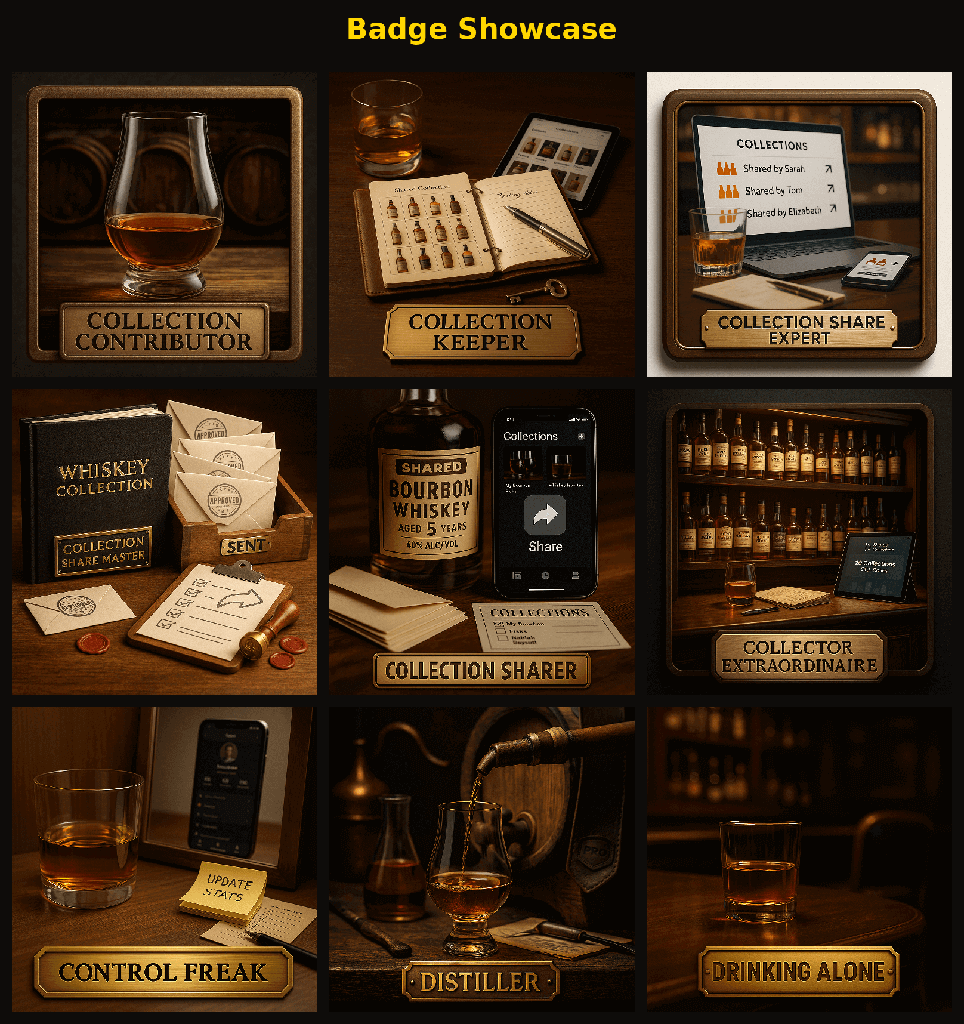
WhiskeyMate includes a Badges system that tracks progress across key features (like Knowledge Base usage, bottle entry quality, chat, comments, recipes, and more). Badges show your progress toward milestones and can help you discover features you haven’t tried yet.
Where to find badges
- iOS: Open Profile and scroll to Earned Badges (or Badges Earned on the profile dashboard).
- Android: Open Profile and open Badges & Status.
How badges work
- You’ll see how many badges you’ve earned (for example, “X of Y badges earned”).
- Locked badges appear dimmed/overlaid with a lock.
- Each badge shows a progress counter (for example,
3/10). - Tap a badge to open its details and see what increases progress.
Badge categories (examples)
Badge names and categories are defined in the app and may evolve over time. Common categories include:
- Knowledge (viewing and rating Knowledge Base articles)
- Entry Quality (completing rich bottle entries)
- Notes (adding bottle notes)
- Recipes (saving recipes created with Fitz)
- Chat (chatting with Fitz)
- Comments (commenting on bottles)
- Search (using the search bar)
- Login Streak (logging in consistently; some streak badges can be Premium-only)
- Sharing (exports + collection share actions)
- News (reading whiskey news)
- Rating (rating bottles)
- Wishlist (adding bottles to your wish list)
- Profile (viewing your profile)
Contributor level
In addition to badges, WhiskeyMate computes a Contributor level shown on the profile header (for example: Newbie, Enthusiast, Pro, Sommelier, Whiskey Connoisseur, Master Taster, Spirits Whisperer, Whiskey Legend). It’s derived from your account age and activity signals like bottle count, commenting, sharing, and ratings.
Tips
- Open badge details: The badge screen explains the exact actions that increase progress.
- Use related help: Badge detail screens can surface related Knowledge Base articles based on the badge’s keywords.